
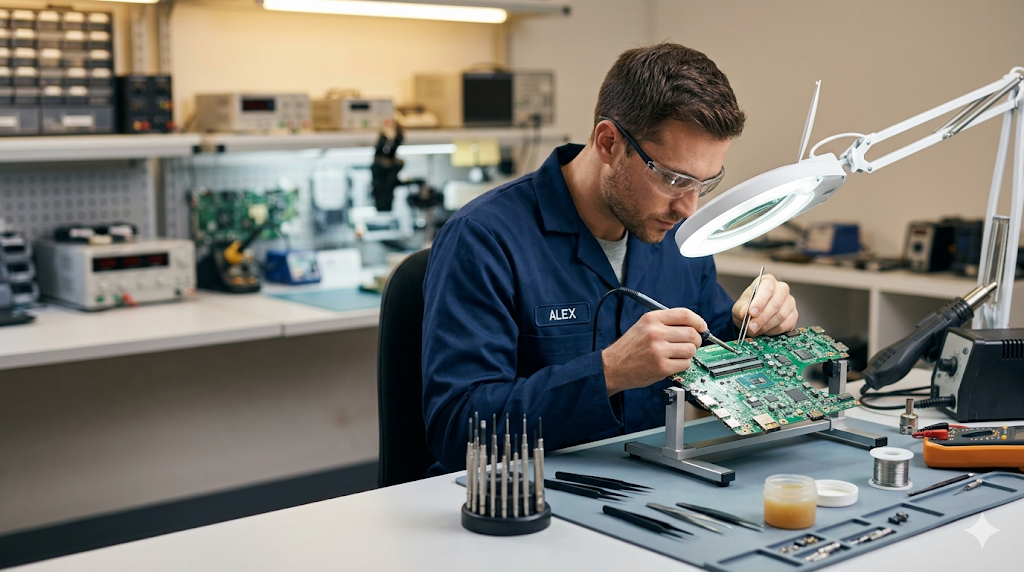
IT Repair for the problems customers actually describe.
Windows update stuck, laptop cannot open, blue screen, slow PC, Wi-Fi issues, printer paper feed, laptop screen replacement, SSD/RAM upgrades and format computer service in Kuala Kangsar.
Repair menu
What we repair
Grouped by the way customers usually explain the problem at the counter.
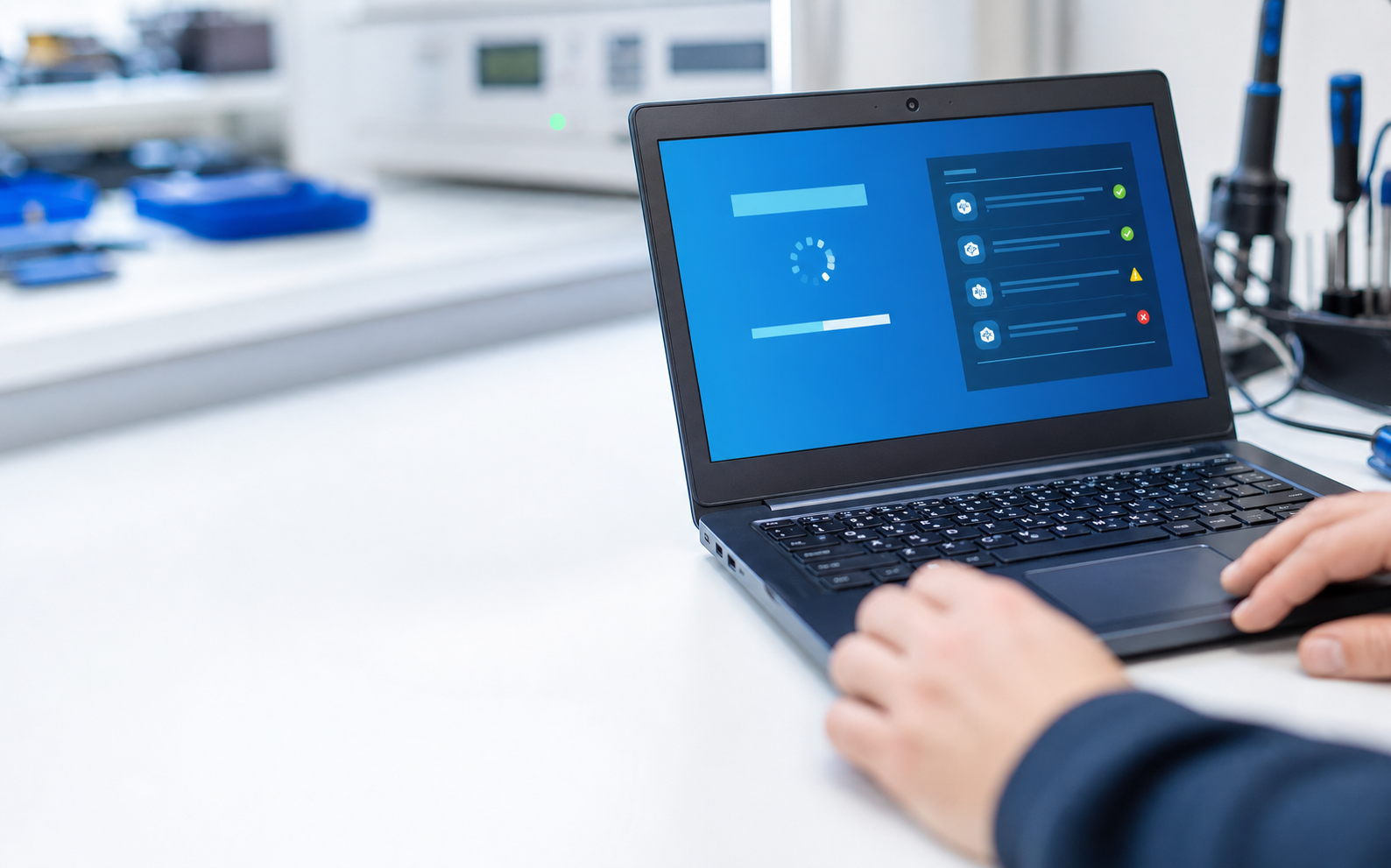
Software repair
- Windows Update issues
- Computer slow
- Cannot boot
- Blue screen
- Wi-Fi problems
- Driver problems
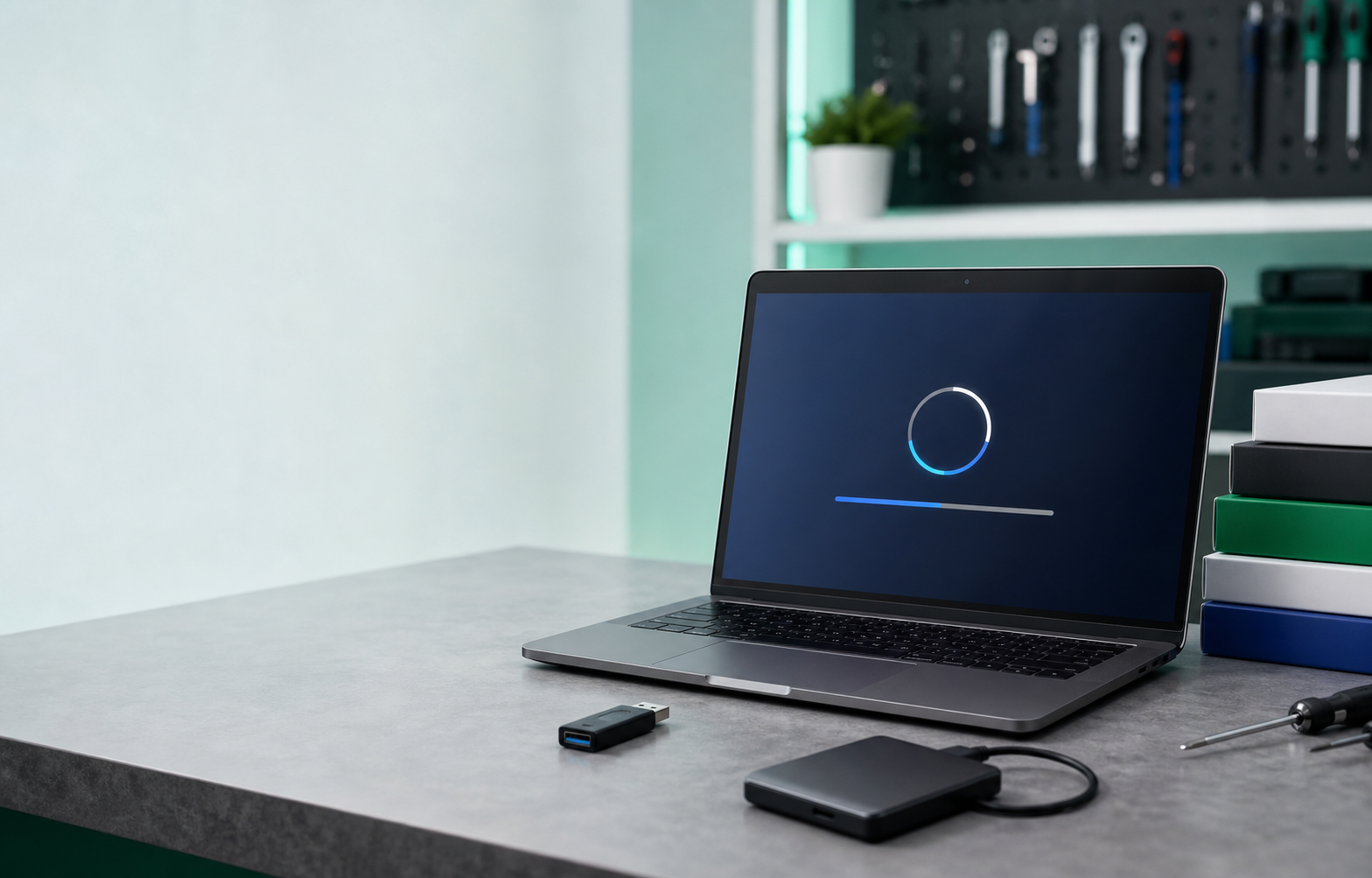
Software installation
- Format computer / reinstall OS
- Microsoft Office
- Adobe Photoshop
- AutoCAD
- Antivirus
- Basic setup after format
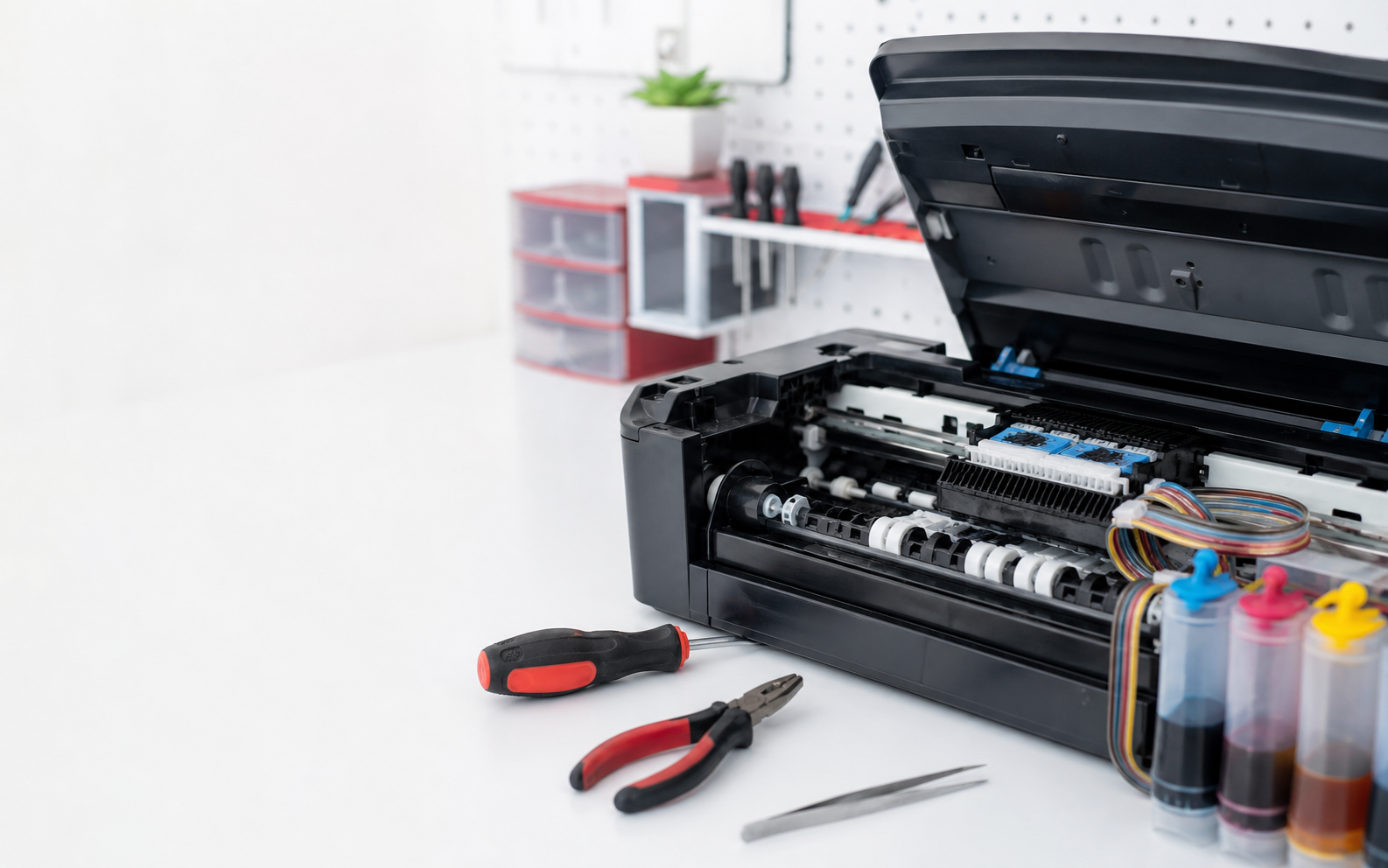
Printer repair
- Paper feed problem
- Roller problem
- Print head issue
- Absorber issue
- Poor print quality
- CISS problem
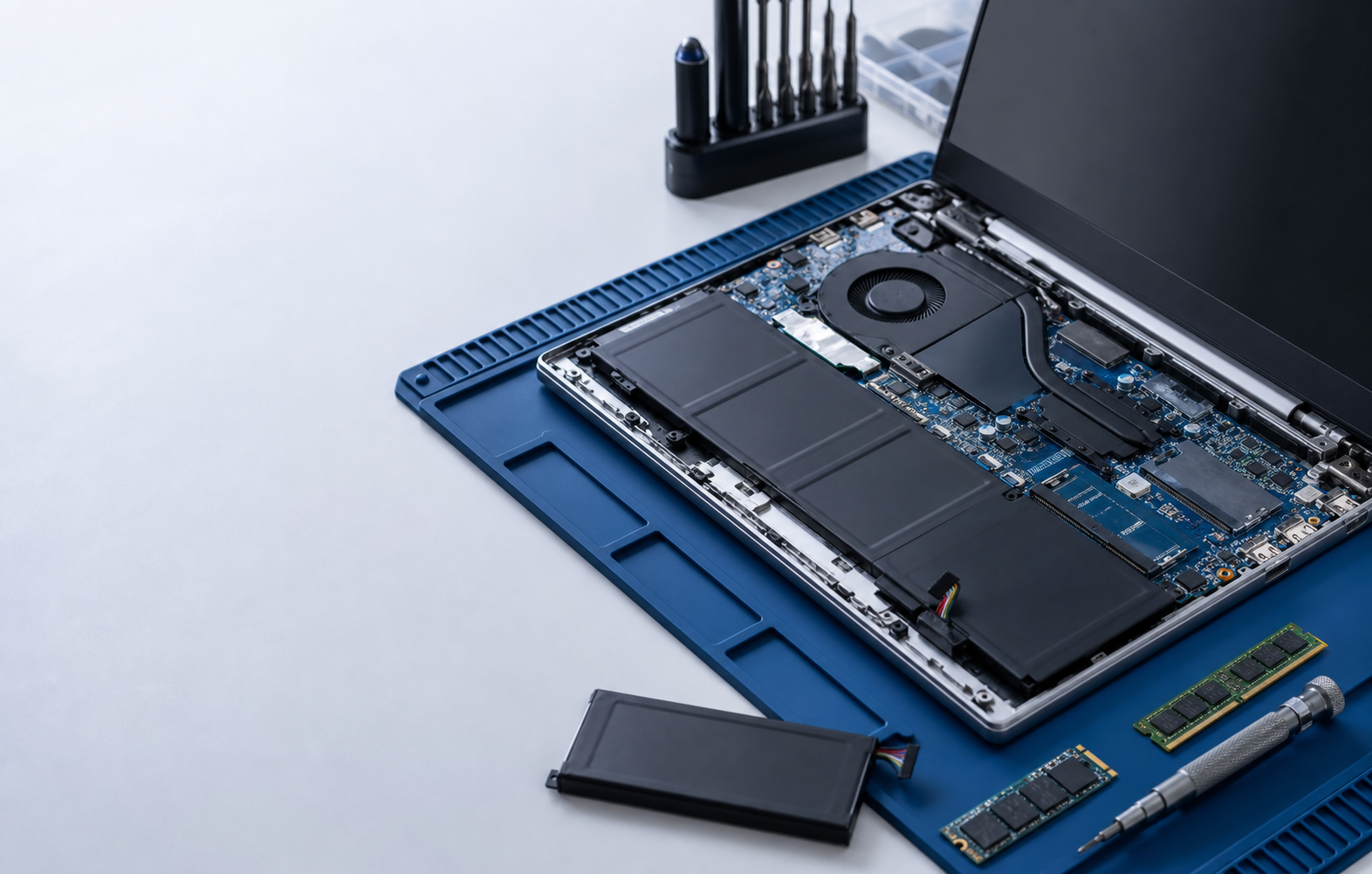
Laptop repair
- Screen replacement
- Keyboard replacement
- Battery replacement
- Hinge repair
- SSD / RAM upgrade
- Overheat service
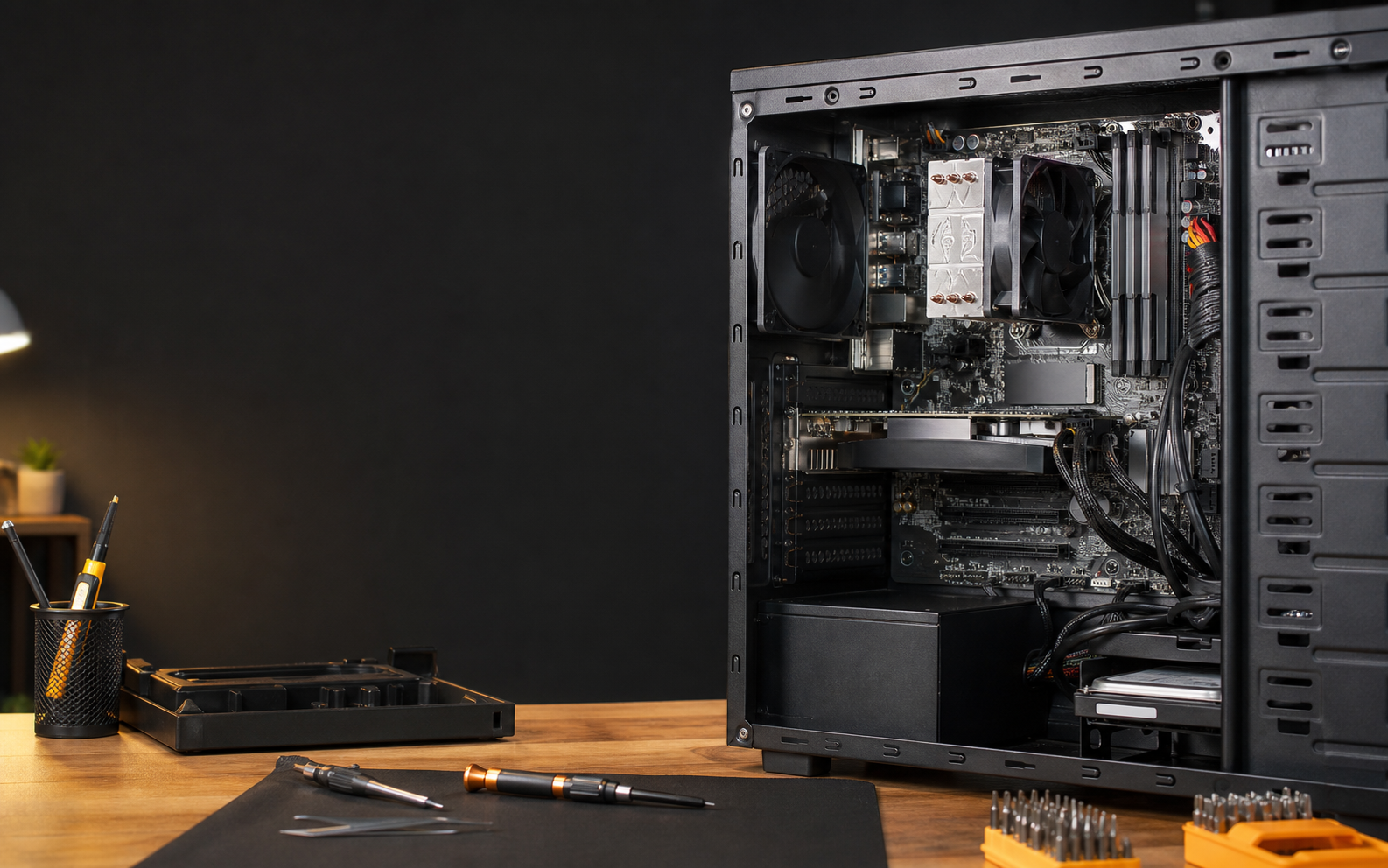
Desktop repair
- PSU problem
- Mainboard issue
- CPU check
- RAM problem
- SSD upgrade
- Monitor issue
Also available
We can handle these too
Useful add-ons during repair, format or upgrade.
Data backup
Backup before format, transfer files, recover where possible.
Virus cleanup
Remove malware, pop-ups, suspicious plugins and unwanted apps.
Network support
Router, Wi-Fi, shared printer and LAN issues.
Cleaning service
Dust cleaning, thermal paste, fan noise and overheat checks.
On-site support
For offices, schools, shops and multi-device issues.
Check and quote
We explain the issue and price before repair starts.
Repair FAQ
Common Questions
A few practical answers before you bring in a computer, laptop, desktop or printer for checking.
Usually yes, if the storage is still readable. We can back up important files first, then format and reinstall Windows. If the drive is already failing, we will explain the risk before touching the data.
For a laptop, bring the charger. For a printer, bring the power cable, USB cable if you use one, and a sample of the bad printout. For a desktop, bringing the CPU tower is usually enough unless the problem involves the monitor.
Yes. Many problems start with simple symptoms like slow computer, blue screen, cannot boot or Wi-Fi not working. We diagnose first, explain the likely cause, then quote before doing repair work.
Software repair and format jobs can often be done within a few hours. Laptop parts such as screen, keyboard or battery depend on stock. Printer and desktop repairs need checking first before we confirm timing.
Yes, especially for office network, Wi-Fi, shared printer and multiple-device issues. For parts replacement or deeper hardware checking, bringing the device to our shop is usually faster and safer.
We will tell you honestly. If the repair cost is too close to replacement or an upgrade makes more sense, we will explain the options instead of forcing a repair.
Tell us the symptom. We will help you narrow down the problem.
Send a photo, error message, printer sample or device model on WhatsApp.